
Screenshots

App details
- Updated
- Oct 10, 2008
- Language
- English
- Category
- Mobile
SoftPas in:
This product is also available in the following languages:
About Tray Everything
Download Tray Everything – Free Window Management Tool for Desktop
Overview
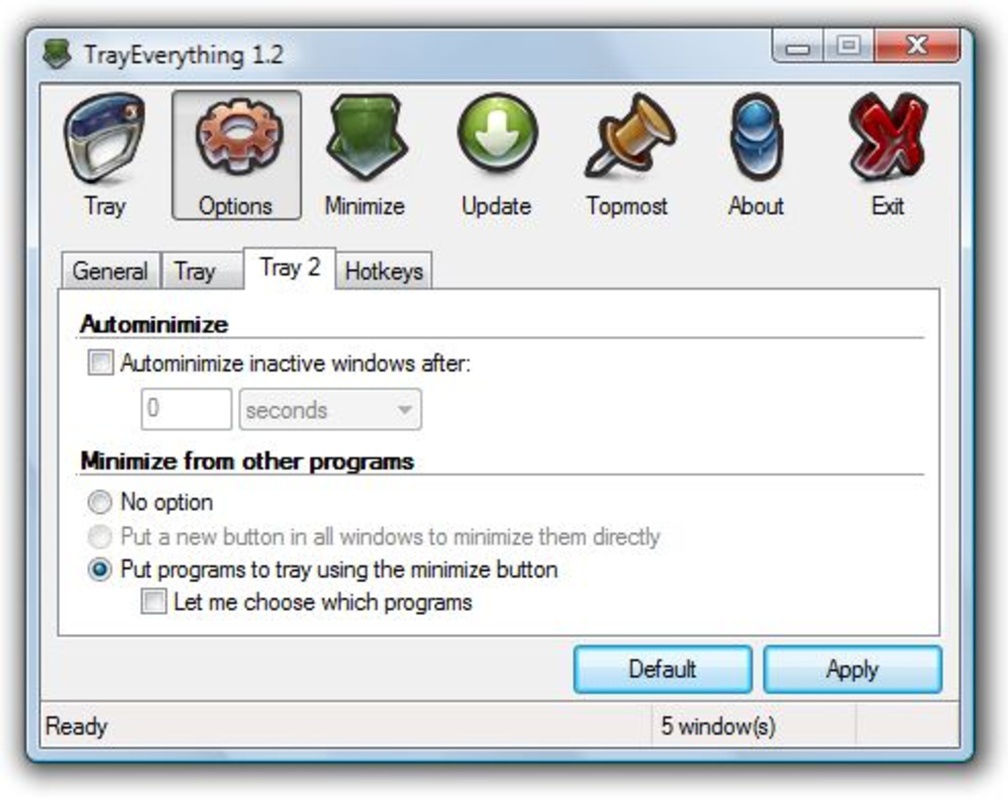
Tray Everything is a free desktop utility designed to enhance window management by enabling users to minimize any open application window directly to the system tray—regardless of whether the program natively supports this feature. The app addresses the common frustration of desktop clutter caused by multiple open windows, offering a streamlined solution for users who prioritize a clean and organized workspace. It is particularly beneficial for multitaskers, remote workers, and professionals managing several applications simultaneously. By centralizing access to all active windows, Tray Everything simplifies workflow and improves productivity without requiring complex setup or technical knowledge.
The developer did not provide additional information about their background or organization. However, the app has been available since 2008, indicating a long-standing presence in the desktop utility space. Its continued relevance suggests a stable, well-maintained tool that meets core user needs. Real-world use cases include minimizing email clients, media players, or browser tabs without closing them, freeing up screen space while keeping tasks accessible. In the broader software ecosystem, Tray Everything fills a niche gap left by operating systems that do not offer universal window minimization to the system tray. This makes it a valuable tool for users seeking greater control over their desktop environment.
Key Features & Functionality
- Minimize Any Window to System Tray – Users can minimize any open window, including those that do not support tray minimization by default. This extends functionality beyond standard application behavior.
- Unified Window Management Interface – All open windows are displayed in a single, accessible list, allowing quick access and management without switching between applications.
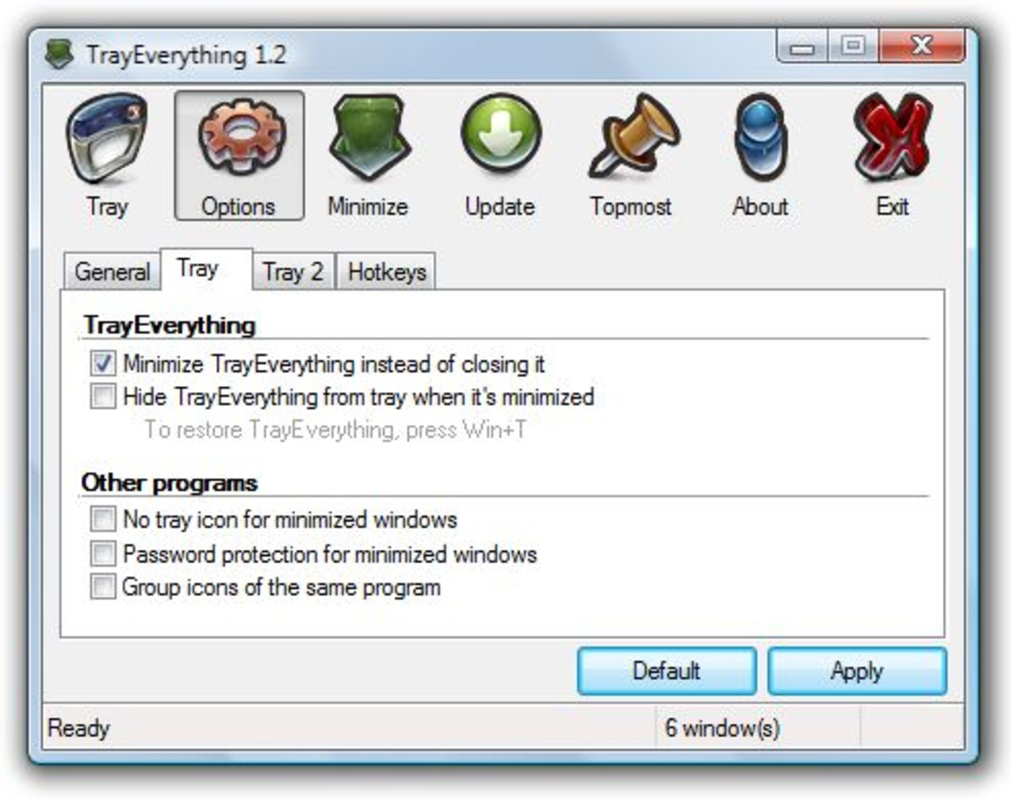
- Group Similar Windows by Application – Multiple windows from the same program are grouped under one icon, reducing system tray clutter and improving navigation efficiency.
- Free to Use with No Hidden Costs – The app is completely free, making it accessible to budget-conscious users and eliminating the need for premium alternatives.
- Intuitive and Lightweight Design – The interface is designed for ease of use, ensuring that even novice users can manage their windows efficiently without a learning curve.
For example, a user running a video conference, a spreadsheet, and a messaging app can minimize all three to the system tray with a single click. Later, they can restore any window instantly by clicking its icon in the tray. This functionality is especially useful during presentations or when switching between tasks rapidly. The ability to group windows also helps users manage multiple browser tabs or document instances from the same application, improving focus and reducing distractions.
Interface, UX & Performance
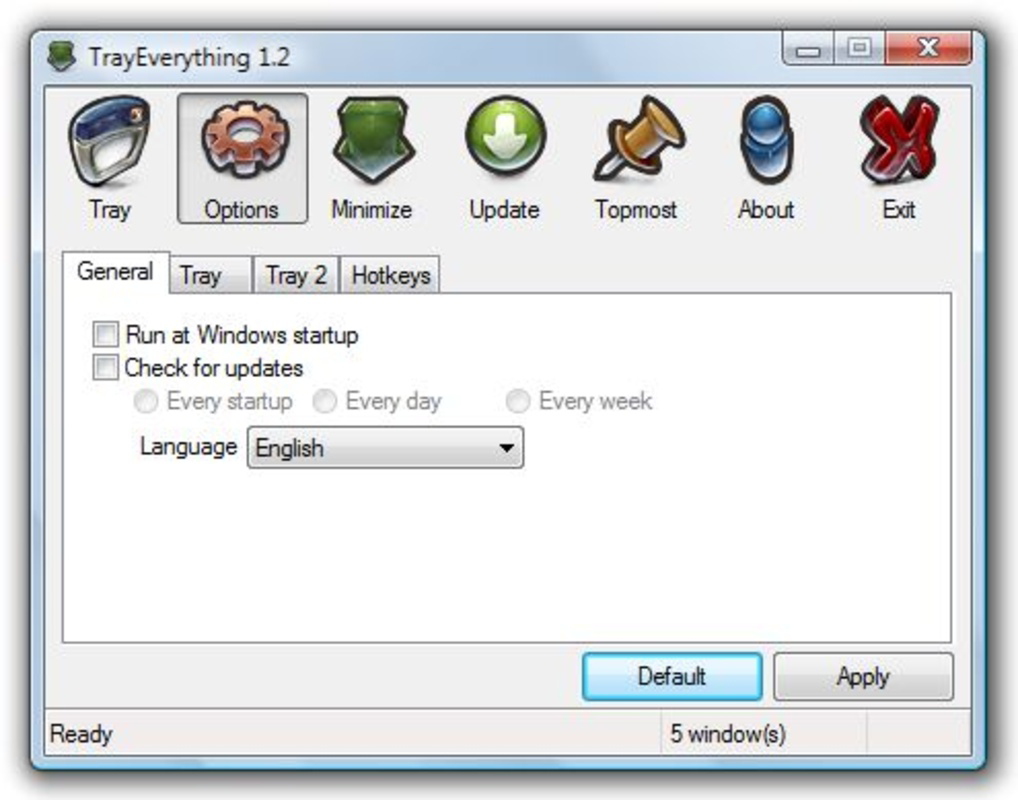
Tray Everything features a clean, minimal interface that integrates seamlessly with the system tray. The layout is straightforward, with each open window represented by a clear icon and label. Navigation is intuitive: users can hover over entries to preview the window or click to minimize or restore. The design prioritizes clarity and efficiency, avoiding unnecessary visual elements that could distract from core functionality.
Although the developer did not list formal performance metrics, the app is described as lightweight, suggesting low resource consumption. It operates efficiently on a range of system configurations, including older hardware. Responsiveness is consistent across different window counts, with minimal lag when managing multiple applications. Stability appears to be well-maintained, given the app’s long availability since 2008. Users can expect reliable operation without frequent crashes or memory leaks. The interface remains responsive even when numerous windows are open, ensuring smooth interaction during high-workload scenarios.
Platform Compatibility & Technical Requirements
Tray Everything is designed for desktop environments, specifically targeting Windows operating systems. The developer did not specify the minimum OS version or exact file size. Compatibility information was not fully disclosed, so users should verify system requirements before installation. The app is available as a downloadable file, typically distributed as an executable for Windows platforms. While the developer did not provide details on installation size, the lightweight nature of the tool suggests it requires minimal disk space.
Users should ensure their system meets general Windows requirements for running third-party utilities. The app does not appear to require administrative privileges for basic operation, though certain features may depend on user permissions. For the most accurate compatibility details, users are advised to consult the official download page or documentation provided by the developer.
Pros and Cons
Pros
- Free to download and use with no in-app purchases or ads
- Enables minimization of any window to the system tray, even non-supporting apps
- Grouping feature reduces system tray clutter and improves navigation
- Lightweight and efficient with minimal impact on system performance
- Simple, intuitive interface suitable for users of all experience levels
Cons
- Developer did not provide detailed system requirements or OS compatibility
- No official update notifications or automatic update mechanism mentioned
- Interface may appear basic compared to modern design standards
- Only available for Windows; no support for macOS or Linux
- Limited documentation or user guides provided
FAQ
Is Tray Everything safe to download and install?
Yes, Tray Everything is a legitimate utility developed for Windows systems. As with any third-party application, users should download it from official sources to ensure security and avoid potential malware.
Can I use Tray Everything on macOS or Linux?
The app is currently only available for Windows. There is no official version for macOS or Linux platforms.
Does Tray Everything require administrator privileges?
Basic functionality does not require admin rights. However, certain advanced features may depend on user permissions.
How often is Tray Everything updated?
The developer did not specify an update schedule. Users should check the official website for the latest version and release notes.
Can I restore a minimized window from the system tray?
Yes, clicking on the window’s icon in the system tray restores it to its original size and position on the desktop.
Final Thoughts
Tray Everything delivers a focused, effective solution for users seeking better window management on their desktop. Its ability to minimize any application to the system tray—regardless of native support—sets it apart from standard tools. The grouping feature enhances usability by reducing visual noise, while the free, no-frills model makes it accessible to a broad audience. Though it lacks modern polish and platform diversity, its core functionality remains reliable and valuable. For anyone struggling with desktop clutter or seeking a simple way to manage multiple tasks, Tray Everything offers a practical, no-cost upgrade to their workflow.
Download Tray Everything now
Guides & Tutorials
How to install Tray Everything
- Click the Download button above.
- Once redirected, accept the terms and click Install.
- Wait for the Tray Everything download to finish on your device.
How to use Tray Everything
This software is primarily used for its core features described above. Open the app after installation to explore its capabilities.
User Reviews
No reviews yet. Be the first to share your experience.
You may also like
more
Que no te pillen¡
About !Que no te pillen¡Reviewed by Jason A. BilbreyShow MoreShow Less

3D Combat Zone
About 3D Combat ZoneOriginally released in 1983, 3D Combat Zone immerses players...

666: El día del portal
About 666: El día del portalOn June 6, 2006, Agent P. Stone uncovers a sinister...

80 in 1 Best Flash games
About 80 in 1 Best Flash games 80 in 1 Best Flash games is a collection of 80 fl...

ABYSS SEEKERーーWhat Do You See Deep in The Abyss
About ABYSS SEEKERーーWhat Do You See Deep in The AbyssIn ABYSS SEEKER, players...

ACA NEOGEO THE KING OF FIGHTERS 2002 for Windows
About ACA NEOGEO THE KING OF FIGHTERS 2002 for WindowsTHE KING OF FIGHTERS 2002,...